
Land bank lot update import
Module: Accounting
URL path: /accounting/land-bank-lot-update-import.aspx
Screenshot
Section titled “Screenshot”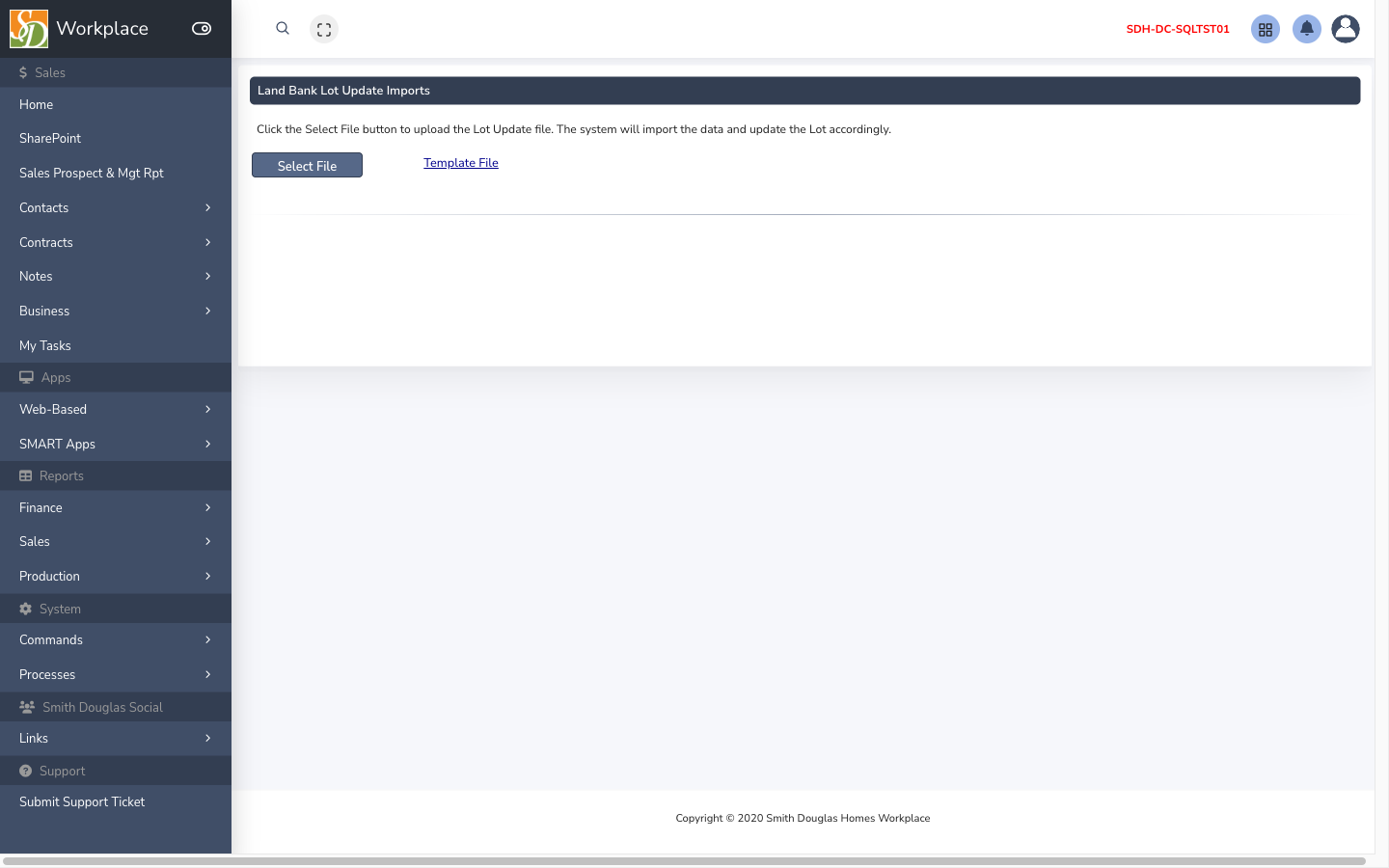
What this screen is for
Section titled “What this screen is for”Import land bank lot cost/value updates from Excel with grid review before commit.
How to get here
Section titled “How to get here”- Sign in to SMART 2.0 (see Sign in & navigation).
- Open Accounting from the left menu (or hub linked from your role).
- Navigate to Land bank lot update import — the app path is
/accounting/land-bank-lot-update-import.aspx.
Typical workflow
Section titled “Typical workflow”- Select file → review rows in the grid (color legend shows validation state).
- Fix errors in Excel and re-upload if needed.
- Click PROCESS to commit valid rows.
- Per row: use SDH Purchase Date or Ext. Date, not both; Ext. Owner requires Ext. Date and blank SDH Purchase Date.
- Maximum 4000 rows per file; files over 500 rows may take longer to validate.