
WorkSmart process status
Module: AgilePoint
URL path: /command-pages/worksmart-process-status.aspx
Screenshot
Section titled “Screenshot”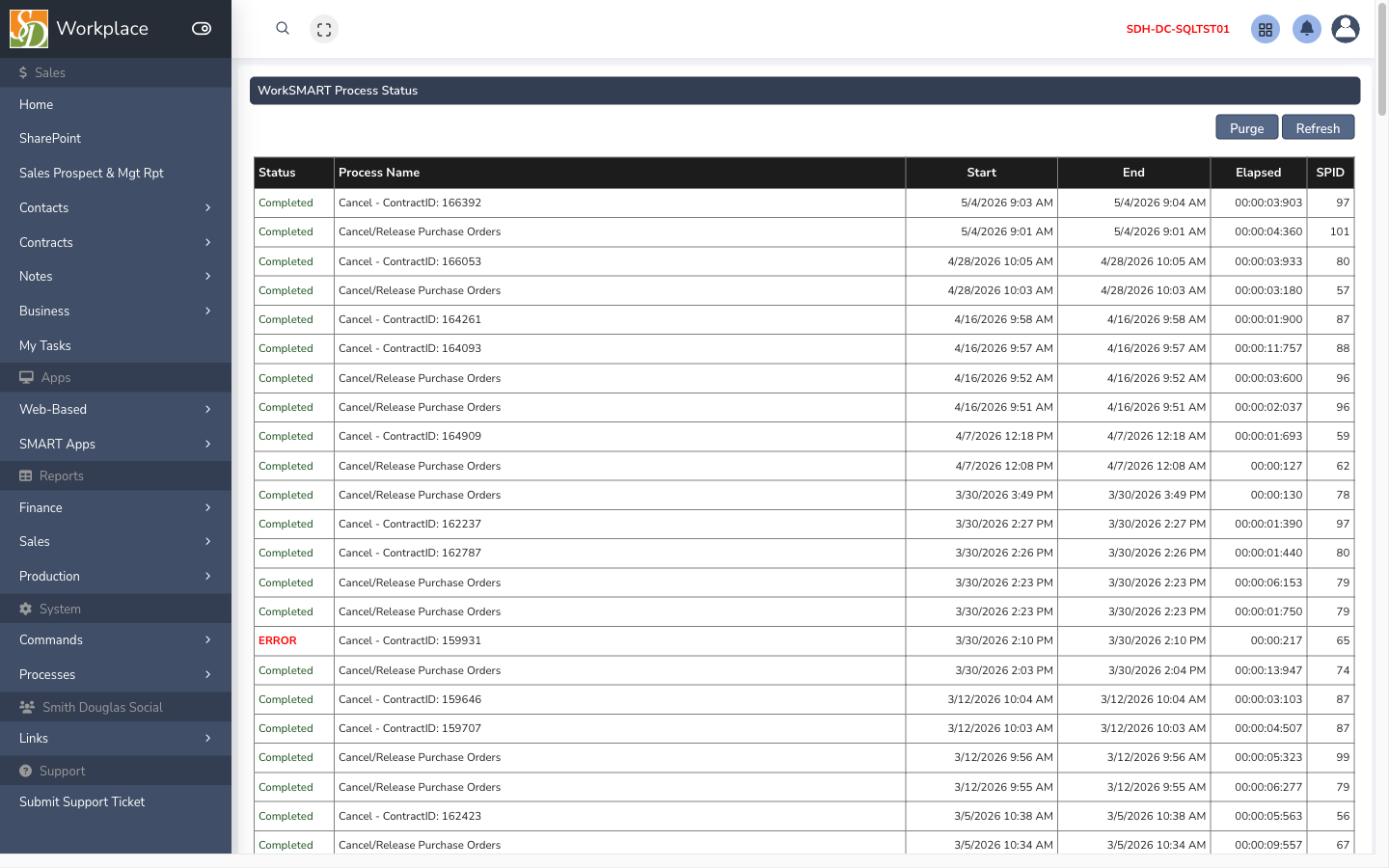
What this screen is for
Section titled “What this screen is for”Check status of WorkSmart-related processes.
How to get here
Section titled “How to get here”- Sign in to SMART 2.0 (see Sign in & navigation).
- Open AgilePoint from the left menu (or hub linked from your role).
- Navigate to WorkSmart process status — the app path is
/command-pages/worksmart-process-status.aspx.
Typical workflow
Section titled “Typical workflow”- Open the screen from the module menu or hub.
- Set filters or search criteria if the page has a grid.
- Open a row to view or edit detail, or use toolbar actions (Save, Export, Import) as shown on the page.