
Traffic search
Module: Sales
URL path: /sales/traffic-search.aspx
Screenshot
Section titled “Screenshot”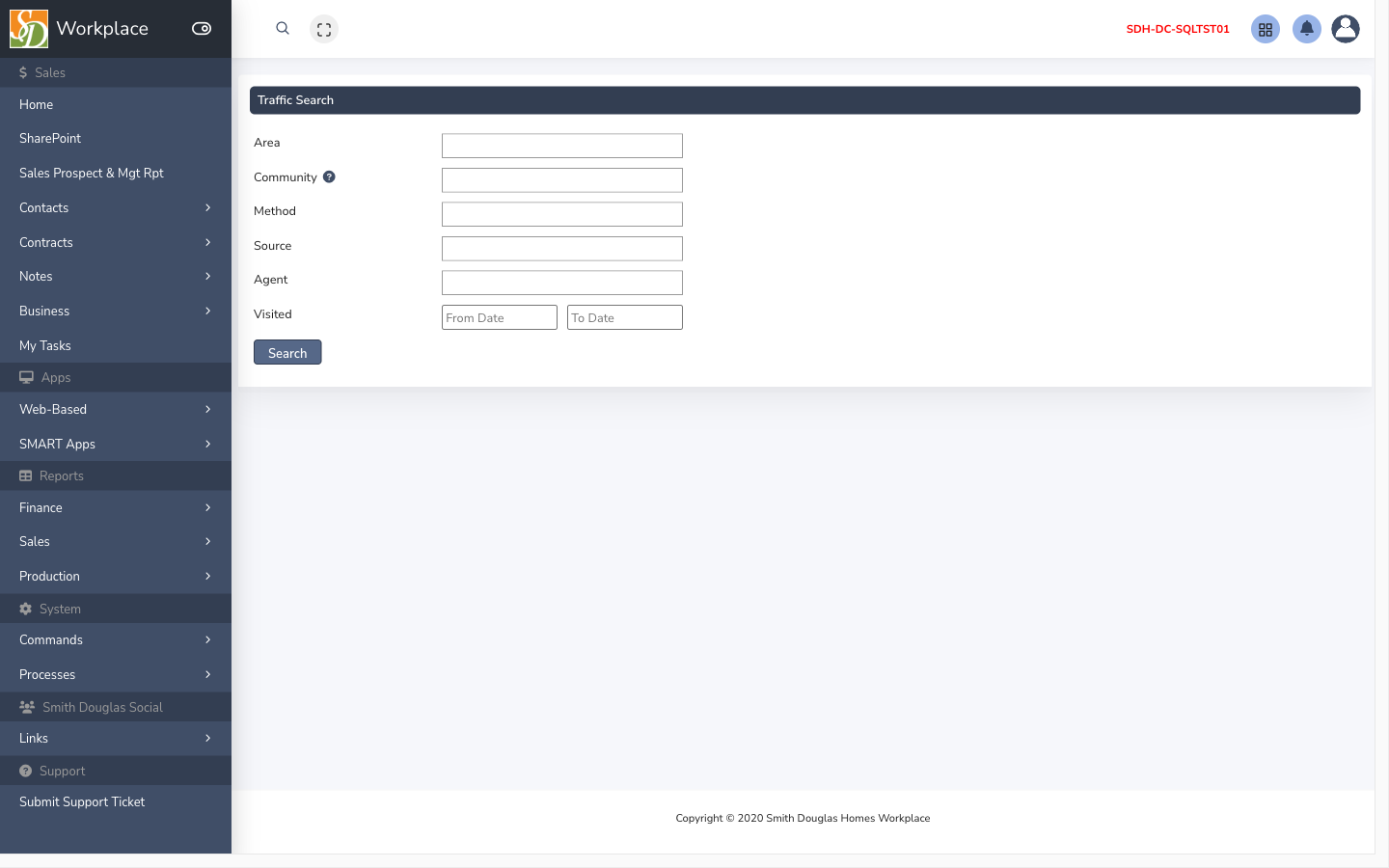
What this screen is for
Section titled “What this screen is for”Look up traffic counts and visitor activity by community or date range.
How to get here
Section titled “How to get here”- Sign in to SMART 2.0 (see Sign in & navigation).
- Open Sales from the left menu (or hub linked from your role).
- Navigate to Traffic search — the app path is
/sales/traffic-search.aspx.
Typical workflow
Section titled “Typical workflow”- Select filters (community, dates).
- Run search and export if needed.
Related
Section titled “Related”- Sales guide
- Screen reference index
- Developer reference (technical)