
Contacts
Module: Sales & contracts
URL path: /shared/contacts.aspx
Screenshot
Section titled “Screenshot”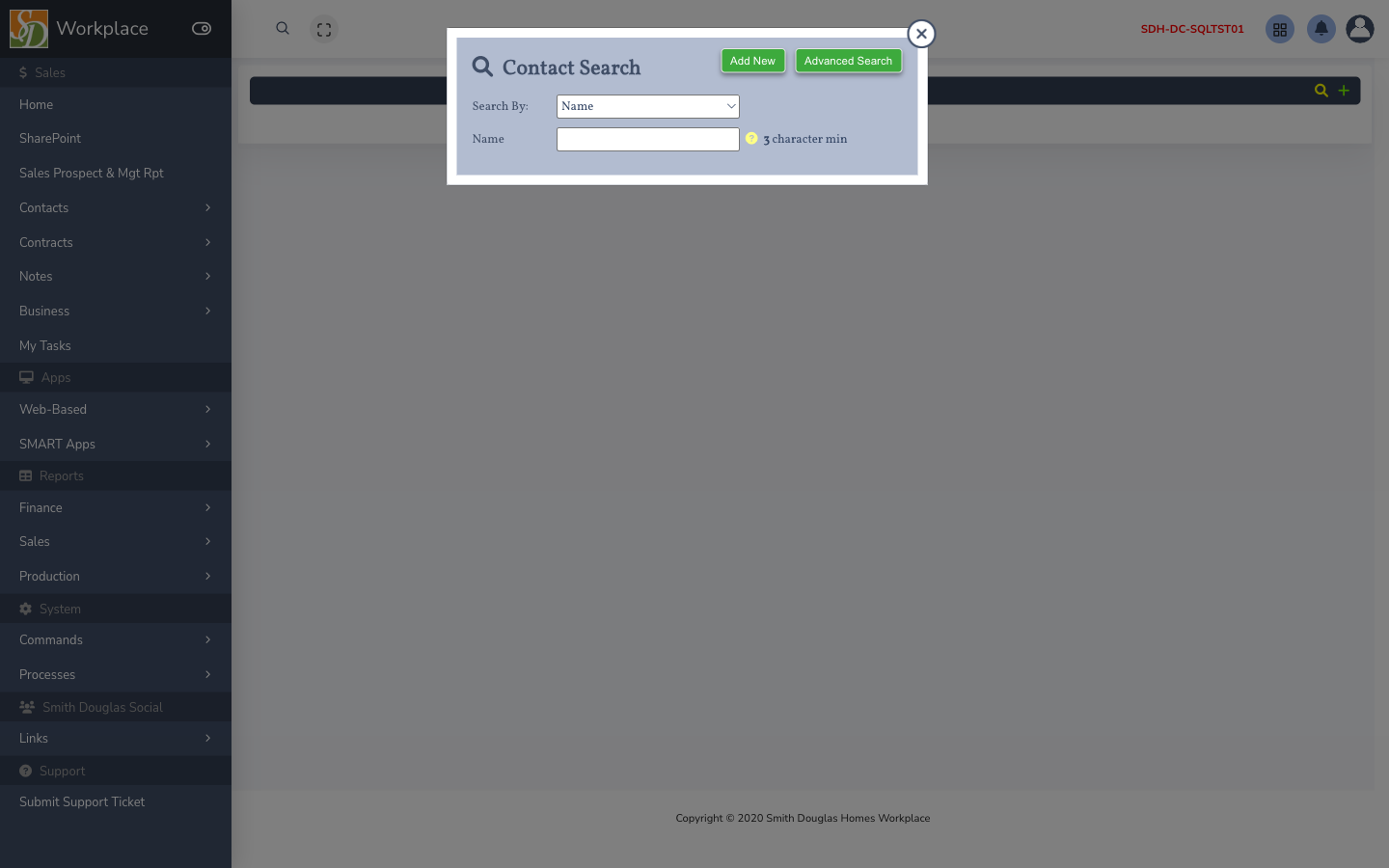
What this screen is for
Section titled “What this screen is for”Create and maintain buyers, co-buyers, and agents; link contacts to lots.
How to get here
Section titled “How to get here”- Sign in to SMART 2.0 (see Sign in & navigation).
- Open Sales & contracts from the left menu (or hub linked from your role).
- Navigate to Contacts — the app path is
/shared/contacts.aspx.
Typical workflow
Section titled “Typical workflow”- Search or choose Add New.
- Enter name, email, phone, and community association.
- Save and link to a lot or contract as needed.