
Contract management
Module: Sales & contracts
URL path: /shared/contract-management.aspx
Screenshot
Section titled “Screenshot”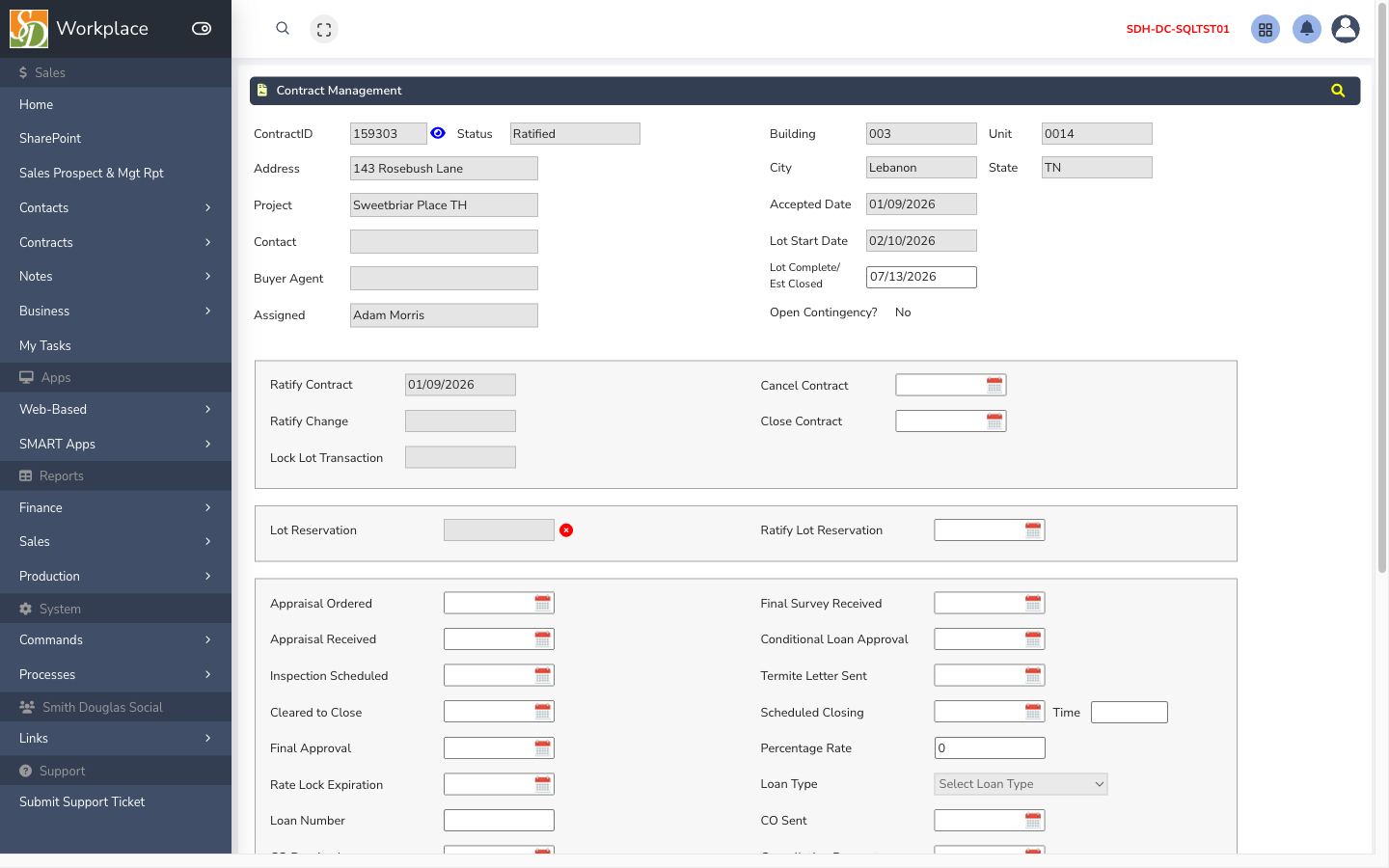
What this screen is for
Section titled “What this screen is for”Ratify, close, cancel, and search contracts in workflow status.
How to get here
Section titled “How to get here”- Sign in to SMART 2.0 (see Sign in & navigation).
- Open Sales & contracts from the left menu (or hub linked from your role).
- Navigate to Contract management — the app path is
/shared/contract-management.aspx.
Typical workflow
Section titled “Typical workflow”- Search for the contract.
- Complete division checklist items.
- Execute Ratify, Close, or Cancel as appropriate.
- If ratify is blocked because an open PO must be canceled first, note the PO number in the message and use Production → Trade PO batch → Cancel POs when your division allows.