
Application log
Module: Web reports
URL path: /web-reports/application-log.aspx
Screenshot
Section titled “Screenshot”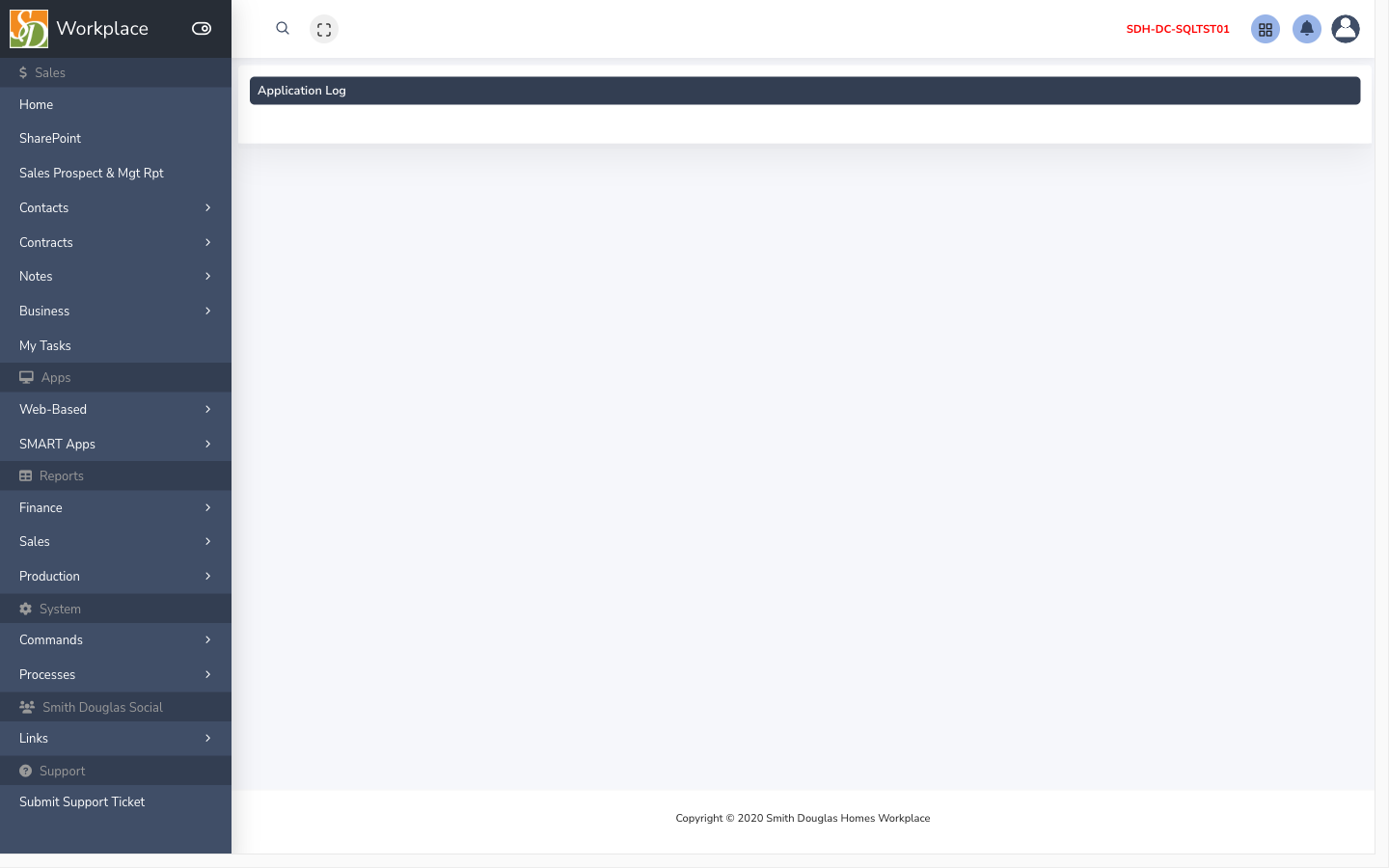
What this screen is for
Section titled “What this screen is for”Application error log for IT support.
How to get here
Section titled “How to get here”- Sign in to SMART 2.0 (see Sign in & navigation).
- Open Web reports from the left menu (or hub linked from your role).
- Navigate to Application log — the app path is
/web-reports/application-log.aspx.
Typical workflow
Section titled “Typical workflow”- Open the screen from the module menu or hub.
- Set filters or search criteria if the page has a grid.
- Open a row to view or edit detail, or use toolbar actions (Save, Export, Import) as shown on the page.